
The Digital Safety Challenge
In today's connected world, children have access to more information than ever before. While the internet offers incredible learning opportunities, it also presents risks that parents need to address proactively.
Essential Parental Control Measures
1. Device-Level Controls
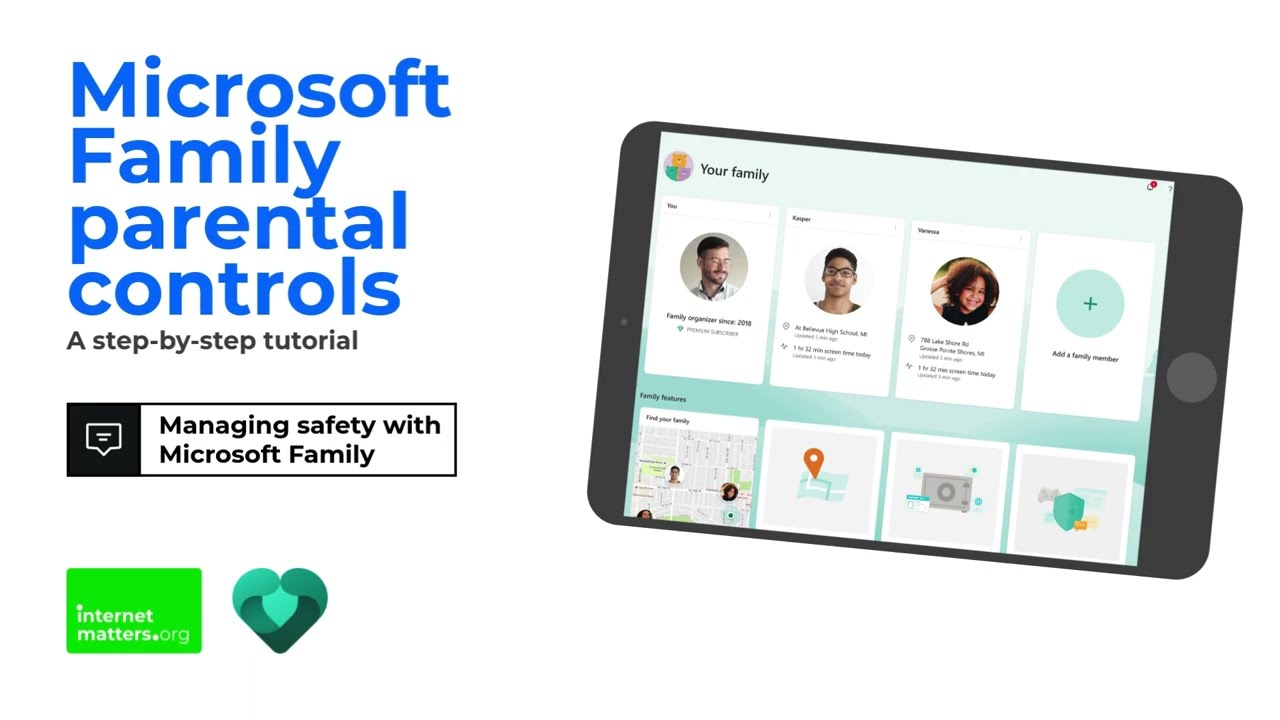
Both Windows and macOS offer built-in parental control features. On Windows, Microsoft Family Safety lets you set screen time limits, filter web content, and monitor activity. On Mac, Screen Time provides similar functionality.
2. Router-Level Filtering
For whole-home protection, configure DNS-level filtering on your router. Services like OpenDNS Family Shield block inappropriate content across all devices connected to your home network.
3. Mobile Device Management
- iOS – Use Screen Time in Settings to restrict content, set downtime, and limit app usage
- Android – Google Family Link lets you manage apps, set screen time limits, and track location
4. Gaming Console Controls
- PlayStation – Create a child account under Family Management with age-appropriate restrictions
- Xbox – Use the Xbox Family Settings app to manage screen time and content
- Nintendo Switch – The Nintendo Switch Parental Controls app gives you full control
Best Practices
- Have open conversations about online safety
- Keep devices in common areas
- Review privacy settings on social media regularly
- Teach children to never share personal information online
- Lead by example with your own device usage
Need Help Setting Up?
TechMave offers IT support services that include setting up parental controls across all your family's devices. Contact us for a consultation – we'll help you create a safe digital environment for your children.